Configuration
All settings live in one file on the NAS, in the folder DSM preserves across upgrades:
/var/packages/transmission-vpn-shield/etc/guard.conf
Edit it directly, or use activate / set-port, then restart the package from Package Center. With AUTOSTART_TRANSMISSION="0" a restart leaves Transmission stopped: start it again once the shield is green.
| Setting | Default | Description |
|---|
TRANSMISSION_USER | sc-transmission | User running Transmission. If it doesn't exist, transmission and debian-transmission are tried too. |
VPN_IF | tun0 | VPN interface. Find yours with ip link show; WireGuard is usually wg0. |
RT_TABLE_ID | 200 | Dedicated routing table. Change it only if another package uses 200. |
RT_TABLE_NAME | transmissionvpn | Name of the table in /etc/iproute2/rt_tables. |
ENFORCE_KILLSWITCH_WHEN_VPN_DOWN | 1 | 1 keeps the xt_owner kill switch while the VPN is down too; 0 relies on the blackhole route alone. |
RECONCILE_INTERVAL_SEC | 30 | Seconds between self-heal passes. |
IPV6_MODE | route | route sends IPv6 through the VPN, block always blackholes it, off leaves it untouched. route/block need kernel 4.10 or later. |
AUTOSTART_TRANSMISSION | 0 | 1 starts Transmission after the shield starts, only once the VPN is up and routed. |
PUBLIC_IP_REFRESH_SEC | 7200 | Seconds between refreshes of the public IP seen through the tunnel. 0 disables it. |
FORWARDED_PORT | — | Your provider's forwarded port, see below. |
RPC_PORT | 9091 | Transmission RPC port, used for the peer-port push and the port test. |
PORT_TEST_INTERVAL_SEC | 600 | Seconds between port tests. After a closed result the port is re-tested every 2 minutes, up to 3 closed results in a row. 0 disables them. |
KUMA_PUSH_URL | — | Uptime Kuma Push monitor URL, see below. |
KUMA_PUSH_INTERVAL_SEC | 60 | Seconds between heartbeats. |
TUNNEL_CHECK_SEC | 60 | Probe an idle VPN tunnel at most this often; 3 failed probes in a row count it as dead. 0 = off. |
DSM_VPN_NAME | — | DSM VPN Center profile name, exactly as shown in Control Panel → VPN. Enables recover-vpn. |
AUTO_RECOVER_VPN | 1 | With DSM_VPN_NAME set, reconnect the profile automatically when the port stays closed or the tunnel is dead. 0 = manual only. |
AUTO_RECOVER_COOLDOWN_SEC | 1800 | Minimum seconds between two automatic reconnects. |
AUTO_RECOVER_MAX_PER_6H | 3 | Maximum automatic reconnects in any 6-hour window. |
Keys introduced by an upgrade are appended to your existing guard.conf with their default values, so there's nothing to merge by hand.
RPC authentication
The shield talks to Transmission over RPC on 127.0.0.1. If Transmission has Enable authentication checked in its remote access settings, put the same credentials in the root-only secret file:
RPC_USER="youruser"
RPC_PASS="yourpass"
guard.secret is created empty at install with mode 600, so the password never ends up in guard.conf, which the web UI can read. Without the right credentials the push fails: the status page shows an "RPC push failing" alert, and the log gets a warning after 3 consecutive failures. If Transmission is simply stopped, the page says that instead.
Forwarded port
Many VPN providers let you forward a port through the tunnel, so other peers can connect to you: downloads and seeding get noticeably better. The port arrives through the tunnel, so there is nothing to open on your router or DSM firewall. Set it in one of three ways:
/var/packages/transmission-vpn-shield/scripts/activate 51413
/var/packages/transmission-vpn-shield/scripts/set-port 51413
FORWARDED_PORT="51413"
On every reconcile pass the shield compares Transmission's peer port with FORWARDED_PORT and pushes it only if they differ. Every PORT_TEST_INTERVAL_SEC it also asks Transmission to test the port from the internet: that's what the port chip on the status page reflects, not just whether the push succeeded.
Automatic VPN recovery
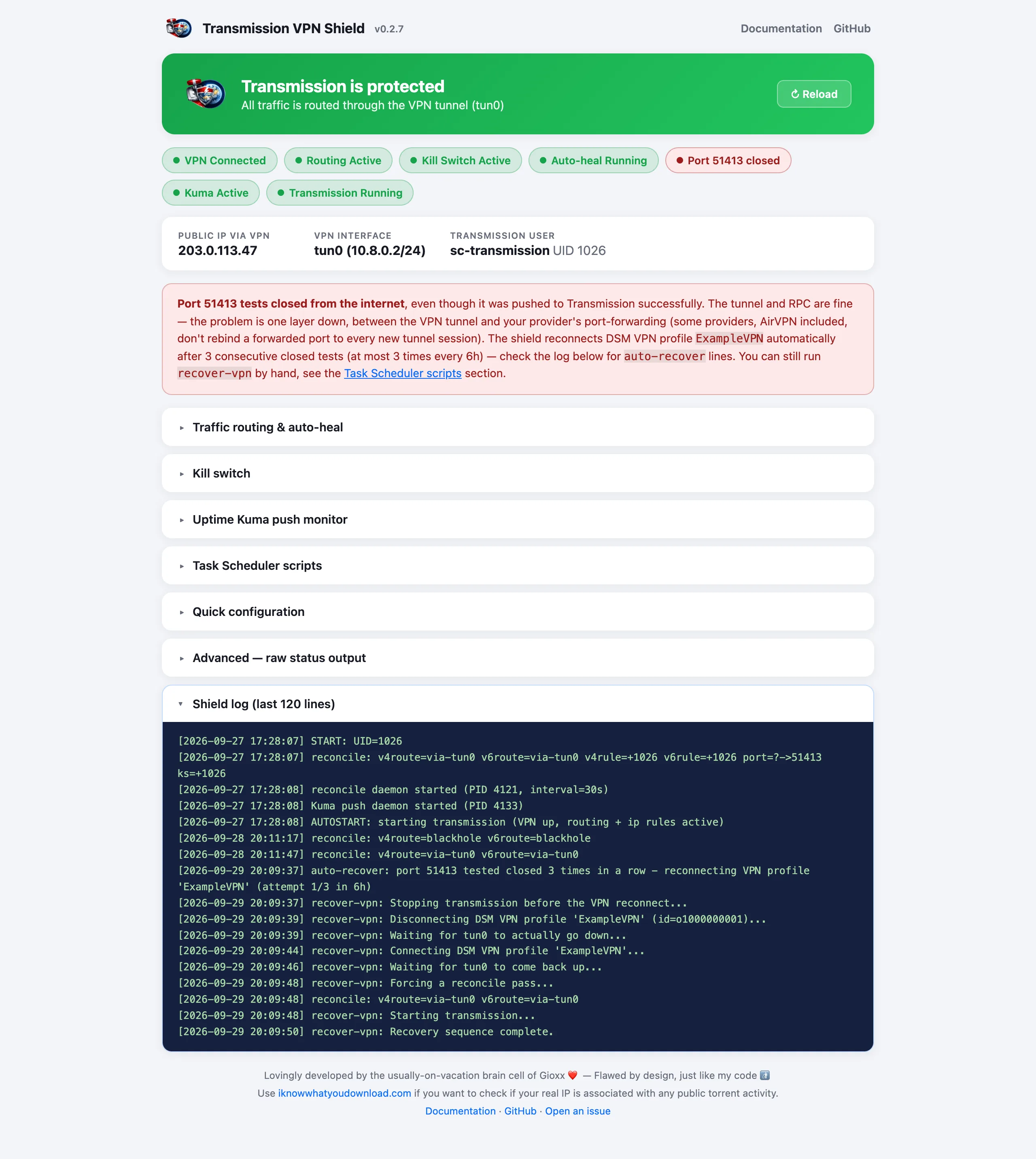
Some providers (AirVPN among them) bind a forwarded port to one tunnel session. If the binding doesn't happen, the tunnel looks healthy but the port stays closed until the VPN connection itself is redialed. With the tunnel managed by DSM VPN Center and DSM_VPN_NAME set, the shield does it for you:
- after a closed result the port is re-tested every 2 minutes, so 3 closed results take about 5 minutes;
- after 3 closed results in a row,
recover-vpn runs in the background (look for auto-recover: lines in the log);
- the same happens when the tunnel stays up but nothing gets through it: an idle tunnel is probed every minute, and 3 failed probes in a row trigger the reconnect;
- at most one automatic reconnect every 30 minutes and 3 in any 6 hours; past that the shield logs an error and waits;
- if a run leaves the profile disconnected, it's redialed every 5 minutes until the tunnel is back, outside the 6-hour limit;
- if a run stops Transmission and can't finish, the shield starts Transmission again as soon as VPN, routes and rules are back.
Each run stops Transmission first (and does nothing if it can't), disconnects and reconnects the profile through the same DSM API as the Connect button (ending the profile's openvpn processes if DSM leaves them running), forces a reconcile, then starts Transmission. Only one run at a time: a manual run during an automatic one exits immediately.
With a third-party OpenVPN or WireGuard client, reconnect it from its own app: recover-vpn only drives DSM VPN Center. The shield reconciles on its own as soon as VPN_IF is back.
To force a reconnect by hand, run as root from Task Scheduler (the profile name can be omitted when DSM_VPN_NAME is set):
/var/packages/transmission-vpn-shield/scripts/recover-vpn ExampleVPN
Uptime Kuma
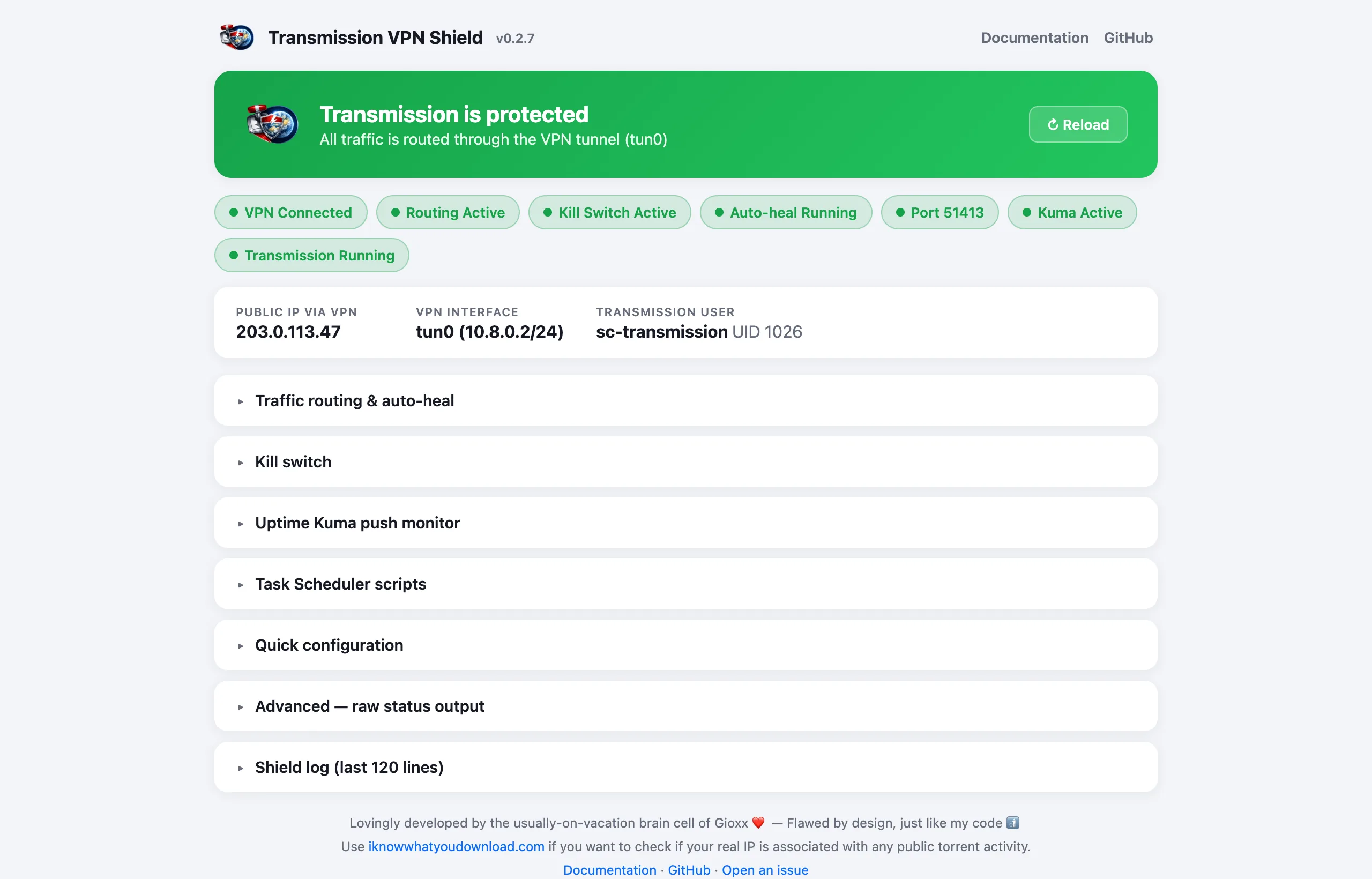
The shield can push its health to an Uptime Kuma Push monitor every minute. The NAS only makes outbound HTTPS requests, and the unique URL Kuma generates acts as the token.
- In Uptime Kuma create a Push monitor, copy its URL and set its heartbeat interval a bit above the shield's (e.g. 75 s for the default 60 s).
- Paste the URL without the query string into
guard.conf: KUMA_PUSH_URL="https://kuma.example.com/api/push/abc123".
- Restart the package.
A heartbeat is up when the VPN is up, the IPv4 route and per-user rule are in place, IPv6 is protected (unless IPV6_MODE="off") and the port test isn't closed. The message carries every check, kill switch and reconcile daemon included. To test one push:
sudo /var/packages/transmission-vpn-shield/scripts/guard-push once
Task Scheduler scripts
Run as root via Control Panel → Task Scheduler → Create → Triggered Task → User-defined script, with Enabled unchecked, then Run when needed.
| Script | When to run it |
|---|
activate [port] | Once after install, and again after every upgrade. |
set-port <port> | To change FORWARDED_PORT after activation. Restarts the package. |
recover-vpn [profile] | Runs by itself with DSM_VPN_NAME set; by hand to force a reconnect when the port stays closed or the tunnel is dead. |
recover-heartbeat | If a Kuma heartbeat stays down after a reconcile pass: stops Transmission, restarts the shield, starts Transmission. |
All scripts are in /var/packages/transmission-vpn-shield/scripts/.
Files of interest
| Path on the NAS | What it is |
|---|
etc/guard.conf | Configuration, preserved across upgrades. |
etc/guard.secret | RPC credentials, root-only. |
var/shield.log | Everything the shield did, also shown on the status page. Capped at 512 KB. |
scripts/start-stop-status | Package lifecycle and the reconcile pass. |
scripts/guard-reconcile | Self-heal daemon. |
scripts/guard-push | Uptime Kuma push daemon. |
Paths are relative to /var/packages/transmission-vpn-shield/.
Limitations
- The VPN client isn't configured for you. The shield expects
VPN_IF to exist. With DSM VPN Center it can reconnect an existing profile; other clients reconnect from their own app.
- Recovery is timer-based. Routing is re-applied within
RECONCILE_INTERVAL_SEC (30 s by default), not instantly; the tunnel being down is covered in the meantime by the blackhole route.
- Per-user IPv6 rules need kernel 4.10 or later. Older low-end models protect IPv4 fully and log a one-time warning; set
IPV6_MODE="off" to silence it.
- The kill switch needs
xt_owner. Many DSM builds lack it; protection doesn't depend on it, the blackhole route already fails closed.
- Re-run
activate after every upgrade. DSM resets the privilege elevation; until then a stop from Package Center may leave rules and routes in place until reboot.
FAQ
Why does the package need a Task Scheduler step?
DSM 7.2 and later block unsigned third-party packages from requesting root at install time. The package installs as a normal user, and the one-off root job completes the elevation and applies the routing.
What happens if the VPN drops?
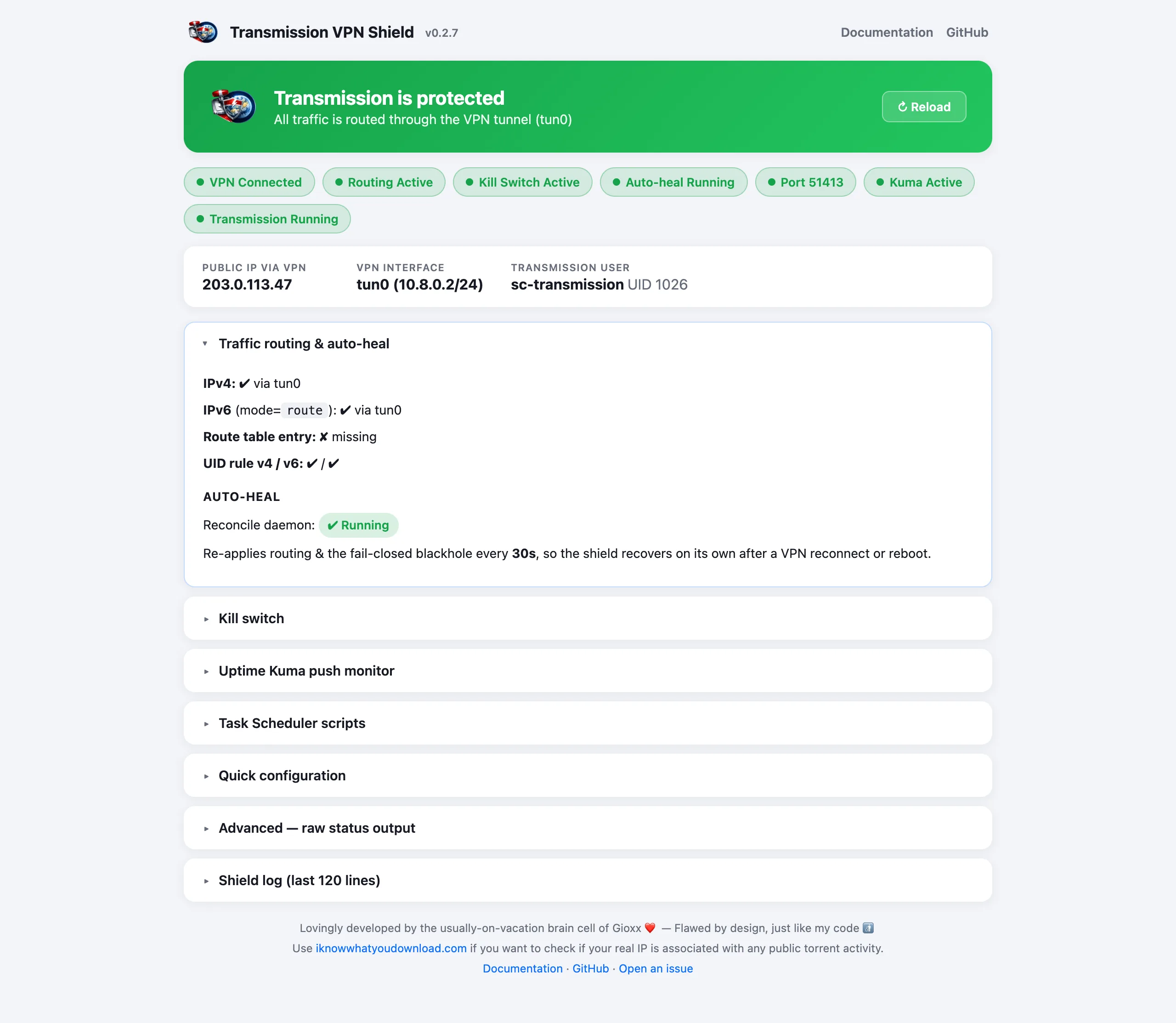
The dedicated table gets a blackhole default route instead of being left empty, so Transmission's traffic is dropped rather than falling through to your normal connection — kill switch or not. This covers IPv4 always and IPv6 with IPV6_MODE set to route or block; with off the shield doesn't touch IPv6.
Do I need to open the forwarded port on my router?
No. It arrives through the VPN tunnel; nothing needs to be opened on your router or DSM firewall.
The port tests closed but everything else is green. What now?
The shield has done its part; the problem is between the tunnel and your provider's port forwarding. With DSM VPN Center and DSM_VPN_NAME set, the shield reconnects the profile by itself after 3 closed tests. Otherwise reconnect the VPN from your client, and check that the port on your provider's site matches FORWARDED_PORT.
Why is Transmission stopped after an upgrade?
The shield stops Transmission whenever it goes down, and by default doesn't start it again: the status page tells you it's stopped. Set AUTOSTART_TRANSMISSION="1" to have it started automatically, only once the VPN is up and routed.
My NAS doesn't support the kill switch. Am I still protected?
Yes. The blackhole route drops Transmission's traffic whenever the VPN is down, with or without the kill switch.
Where are the logs?
In var/shield.log, shown on the status page too. It only gets a line when something changes, so a quiet log means nothing needed fixing.